
Eye Health: Simple Care Tips for Screen Time
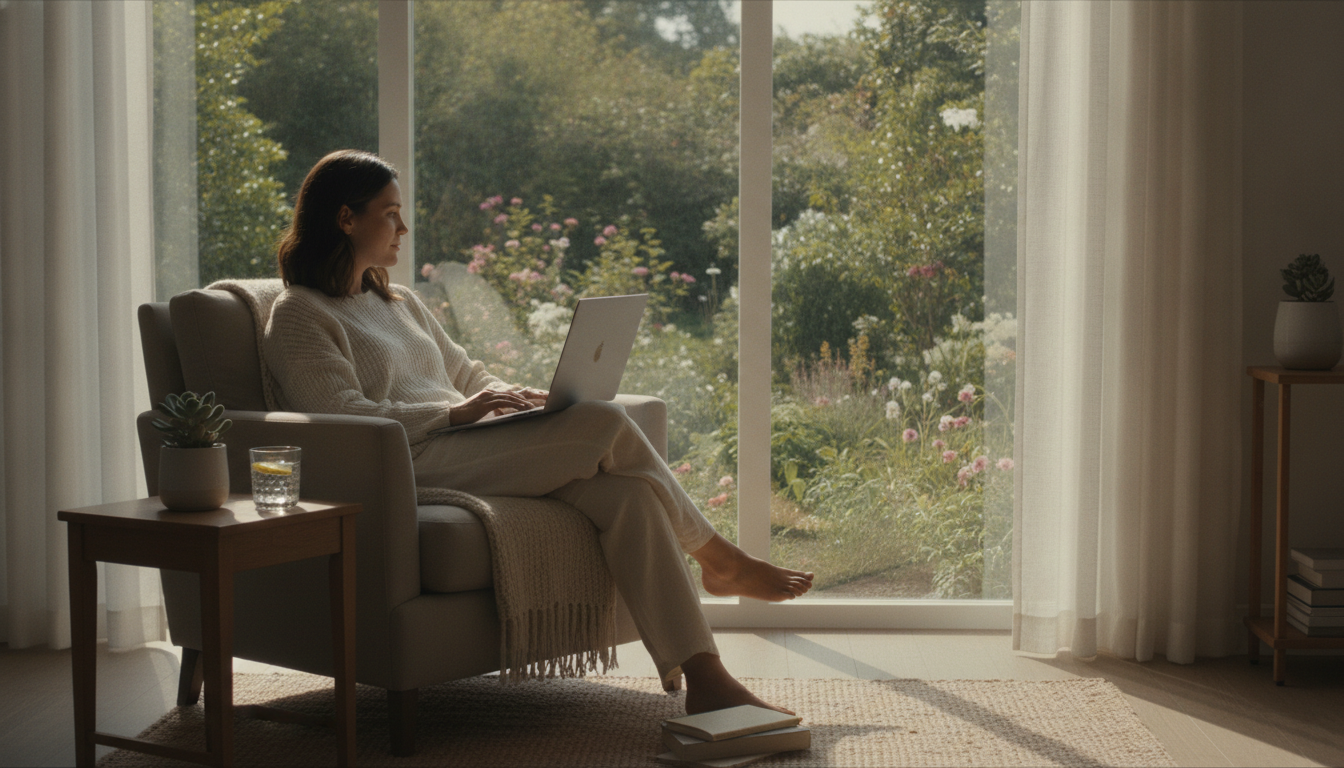
Have you ever reached the end of a workday with burning eyes, slightly blurred vision, and that uncomfortable sensation that your eyelids feel too heavy? If so, know that this experience is increasingly common. In 2026, the presence of screens in daily routine is practically unavoidable: monitors at work, smartphones on commutes, tablets at home, televisions in the evening. We live connected in a way that previous generations never experienced, and our eyes — delicate and sophisticated structures — are feeling this impact daily.
The set of visual and physical symptoms that arise after prolonged periods in front of screens has a name: computer vision syndrome, also called digital eye strain. According to the American Academy of Ophthalmology, this condition can include eye discomfort, dryness, temporary blurred vision, headaches, and tension in the neck and shoulders. It is not a serious disease in itself, but repeatedly ignoring these signs can make daily life far less comfortable and, in some cases, indicate that something deserves professional attention.
The good news is that there are simple, well-supported habits that tend to help alleviate discomfort and protect eye health in the long term. This article gathers educational information about these practices — but remember: it does not replace a consultation with an ophthalmologist, who is the qualified professional to evaluate your situation individually.
What Happens to Eyes During Prolonged Screen Use
To understand why screens tire our eyes so much, it helps to know a bit about how eyes work. When we read something on a screen, the visual system performs continuous focusing effort (called accommodation) and the eyes need to blink to keep the eye surface lubricated.
The problem is that in front of screens, the number of blinks per minute tends to drop significantly compared to other activities. Studies published in ophthalmology journals suggest that the blink rate can decrease during screen reading, which contributes to eye dryness. Additionally, the ciliary muscle — responsible for focus adjustment — remains in a state of prolonged contraction, which causes fatigue.
Another factor discussed in scientific literature is the blue light emitted by screens. Although the debate about the direct effects of this light on retinal cells is still ongoing, there is more solid evidence that exposure to blue light during nighttime can interfere with melatonin production and, consequently, sleep quality. To learn more about this relationship, check out the article Smartphone Before Bed and Its Effects on Sleep.
The 20-20-20 Rule: Simple and Evidence-Based
One of the most cited recommendations by entities like the American Academy of Ophthalmology is the so-called 20-20-20 rule. It works like this:
- Every 20 minutes of screen use,
- look at something at least 20 feet away (about 6 meters),
- for at least 20 seconds.
This interval tends to help because it forces the ciliary muscle to relax and gives time for the eye surface to naturally re-moisten. It’s a low-cost strategy, easy to incorporate into your routine, and requires no special equipment.
A practical tip: set a discrete alarm on your phone or computer to remind you to pause. Over time, this habit tends to become automatic.
Adjustments to Environment and Screen Settings
The environment in which you use screens makes a real difference in visual comfort. Some simple adjustments can contribute significantly:
- Screen brightness: try calibrating it so it stays close to the lighting level of your environment. A screen much brighter than its surroundings forces the eyes to constantly adapt.
- Contrast and font size: larger fonts with good contrast against the background reduce reading effort.
- Monitor position: ideally, according to ergonomic recommendations, the top of the screen should be at eye level or slightly below, and the distance should be approximately 50 to 70 cm. This applies to both work monitors and laptops.
- Environmental lighting: avoid direct reflections on the screen from windows or lamps behind you. Light coming from above and sides tends to be more comfortable.
- Blue light filters and night mode: many devices already offer these features natively. While evidence about retinal protection is still not conclusive, night mode typically reduces contrast and excessive brightness, which can make evening use more comfortable.
Blink Consciously and Care for Eye Lubrication
It seems too obvious to be useful, but paying attention to your own blinking frequency while using screens is, in fact, something that can help. A simple strategy is, from time to time, to close your eyes completely for a few seconds or blink more fully and deliberately.
In air-conditioned environments — very common in offices — the air tends to be drier, which worsens eye dryness. Keeping the environment well-ventilated without direct air currents hitting your eyes and, if possible, using air humidifiers can contribute to comfort.
As for using lubricating eye drops (artificial tears), they are easily found in pharmacies and are frequently recommended by ophthalmologists to relieve dryness. However, the choice of appropriate product and frequency of use should be guided by a healthcare professional, as different formulations have different indications.
The Role of Diet and Lifestyle
Eye health depends not just on what we do in front of screens. The body functions as an integrated system, and general life habits also influence the eyes.
A balanced diet rich in fruits, vegetables, legumes, and varied foods provides nutrients that studies associate with eye health, such as vitamin A (found in orange vegetables and dark leafy greens), lutein and zeaxanthin (found in foods like kale, spinach, and egg yolk), and omega-3 (found in fish like sardines and salmon). This doesn’t mean these foods “cure” any condition, but that a varied and balanced diet is part of a lifestyle that tends to favor health in general — including eye health.
Other factors that typically impact eye well-being:
- Quality sleep: during sleep, eyes rest and recover. Sleeping poorly on a chronic basis can worsen eye strain.
- Adequate hydration: drinking water throughout the day contributes to natural tear production.
- Stress management: chronic stress can manifest in physical symptoms, including eye discomfort. See some strategies in the article Managing Daily Stress Starts with Small Steps.
- Regular physical exercise: associated with cardiovascular benefits that also influence circulation in the eyes.
Special Care for Children and Adolescents
Visual development in children is still ongoing, and early and excessive screen use is a topic that has been receiving growing attention from the scientific community and health entities. The Brazilian Society of Pediatrics advises that screen time be limited and supervised for children, especially in younger age groups.
Additionally, recent research has pointed to an association between reduced outdoor time and increased myopia in children — and exposure to natural light appears to have a protective role. This doesn’t mean every child who uses screens will develop myopia, but it reinforces the importance of balancing indoor screen time with outdoor activities.
If you have children or are close to children, talking with the pediatrician and pediatric ophthalmologist about periodic vision exams is an important preventive step.
When to Seek Healthcare Professional Advice
Some signs deserve special attention and indicate it’s time to seek evaluation from an ophthalmologist:
- Blurred vision that doesn’t improve after rest
- Frequent headaches, especially in the forehead or eye area
- Exaggerated light sensitivity (photophobia)
- Persistent sensation of sand, burning, or itching in the eyes
- Difficulty seeing far or near that seems to have worsened
- Light flashes, floaters (dark spots that “float”) or changes in visual field — these symptoms require more urgent evaluation
- Red eye with intense pain
Periodic routine eye exams with an ophthalmologist are recommended even without symptoms, especially for those who spend many hours in front of screens, have a family history of eye diseases, or already wear glasses or contact lenses. The ideal frequency depends on each case and should be guided by the professional.
Care for Your Eyes with Attention and Without Excess
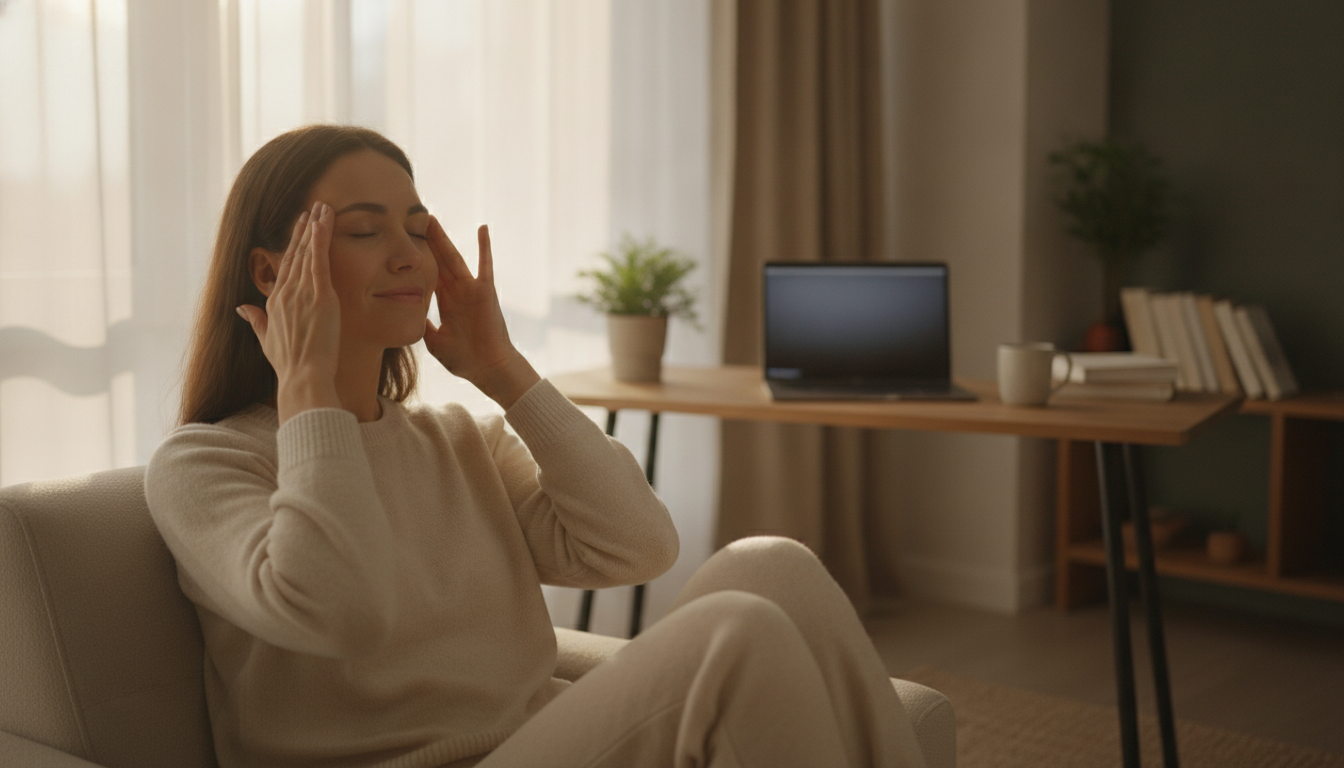
Living in a world of screens doesn’t have to mean constantly tired or uncomfortable eyes. With small adjustments in your routine — regular breaks, attention to ergonomics, care with lighting, and general health habits — it’s possible to make technology use more comfortable and sustainable.
At the same time, it’s important not to minimize symptoms that persist or intensify. Eyes are precious windows to the world, and caring for them with attention is an act of genuine self-care. If something doesn’t seem right, see an ophthalmologist: they are the qualified professional to evaluate, diagnose, and guide what is best for your eye health.
This content is exclusively for informational and educational purposes and does not replace the evaluation, diagnosis, or recommendation of a healthcare professional. Always consult a doctor or specialist for guidance on your individual situation.