
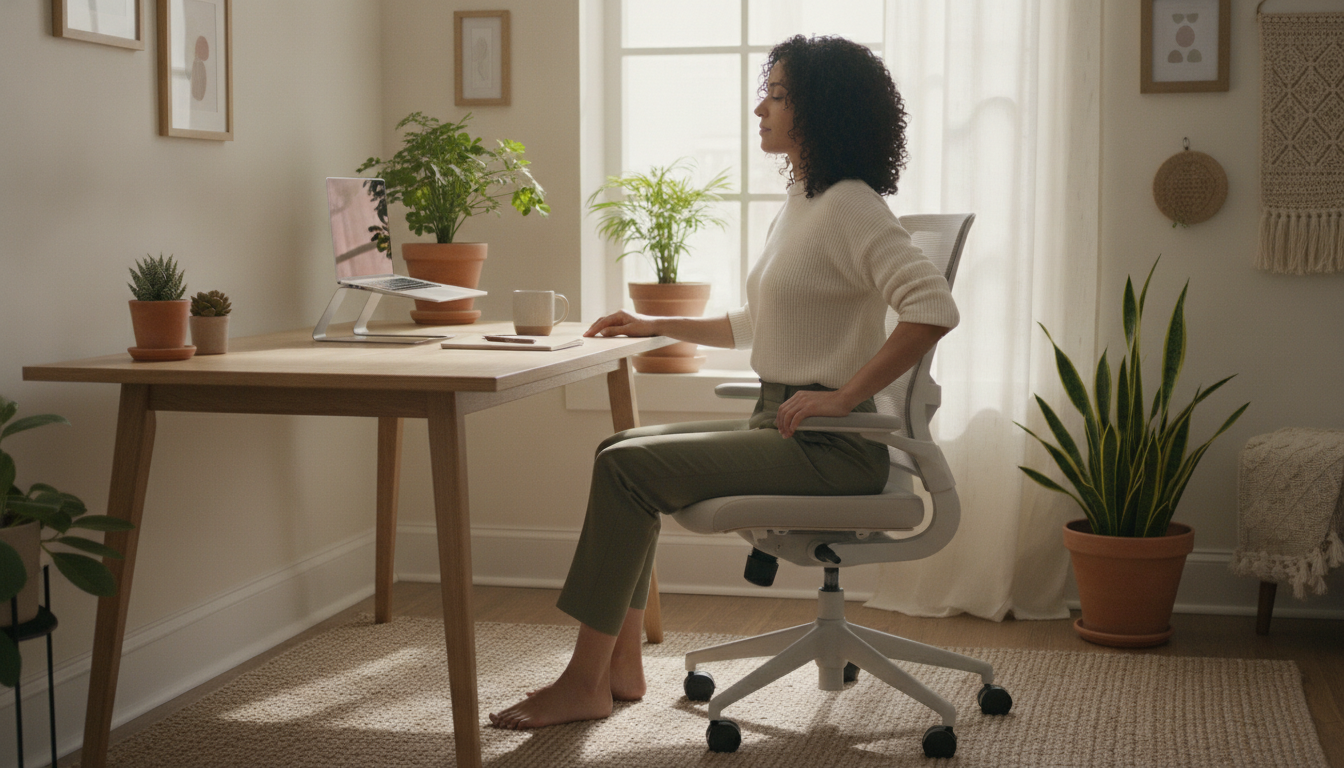
Your Work Posture Deserves More Attention
Have you ever reached the end of a workday feeling that familiar tension in your neck, a dull ache in your back, or tingling in your wrists? If the answer is yes, you’re in good company — and not by chance. In 2026, hybrid and remote work is an established reality for millions of Brazilians, and with it came improvised desks, inadequate chairs, and endless hours in front of screens. The human body, however adaptable, feels the weight of these daily choices.
The good news is that small changes in your work environment and habits can contribute significantly to comfort and musculoskeletal health over time. It’s not about perfection: no posture is “the right posture” to maintain all day long. What research in ergonomics and occupational health suggests is that movement variety and regular breaks tend to be just as important as any furniture adjustment.
This article brings together evidence-based information to help you better understand what happens to your body during long sitting hours, what simple adjustments can make a difference, and when it’s time to talk to a health professional. Read at your own pace — and then look around your workspace with fresh eyes.
What is Ergonomics and Why It Matters to You
Ergonomics is the science that studies the relationship between people, tools, environments, and tasks, with the goal of promoting well-being, safety, and efficiency. Far from being an abstract corporate concept, it has a direct impact on the daily lives of those who work — whether in a shared office, at home, or in a hybrid space.
The International Labour Organization (ILO) recognizes work-related musculoskeletal disorders as one of the leading causes of leave worldwide. In Brazil, data from the Ministry of Social Security indicates that diseases of the musculoskeletal system are among the most frequent reasons for disability benefits. These numbers don’t exist to scare you, but to remind us that the body communicates what the environment ignores.
Ergonomics applied to work involves aspects such as:
- Adjusting chair and desk height
- Positioning the monitor and keyboard
- Environmental lighting
- Frequency and duration of breaks
- Task flow organization to reduce overload
What Happens to Your Body in Prolonged Static Position
When we sit for long periods without changing position, a series of processes occur in the body. The muscles that support the spine remain in constant contraction, which can generate fatigue and tension. Circulation in the extremities — especially legs and feet — tends to be less efficient. Structures like intervertebral discs, which depend on movement to receive adequate nutrition, are also under continuous pressure.
Studies published in occupational health journals suggest that prolonged periods of sedentary work are associated with musculoskeletal discomfort, especially in the lower back, neck, and upper limbs. It’s important to note: this doesn’t mean sitting is necessarily harmful, but that sitting without varying position and without regular breaks can overload the musculoskeletal system over time.
Some signals your body may give include:
- Tension or pain in the neck and shoulder region
- Lower back discomfort or pain
- Tingling or numbness in arms, hands, or legs
- Headache related to muscle tension
- Eye fatigue after prolonged screen use
Practical Adjustments in Your Workspace
You don’t need to buy a state-of-the-art ergonomic chair to start caring for your posture. Here are some adjustments that tend to contribute to greater comfort:
Chair and Seat
- Adjust the height of your chair so that your feet are supported on the ground (or on a footrest) and your knees form approximately a 90-degree angle.
- Support your lower back: if the chair doesn’t have adequate lumbar support, a small pillow or rolled towel positioned in the lower back region can help.
- Keep your arms relaxed: armrests, when present, should allow your shoulders to remain relaxed.
Desk and Monitor
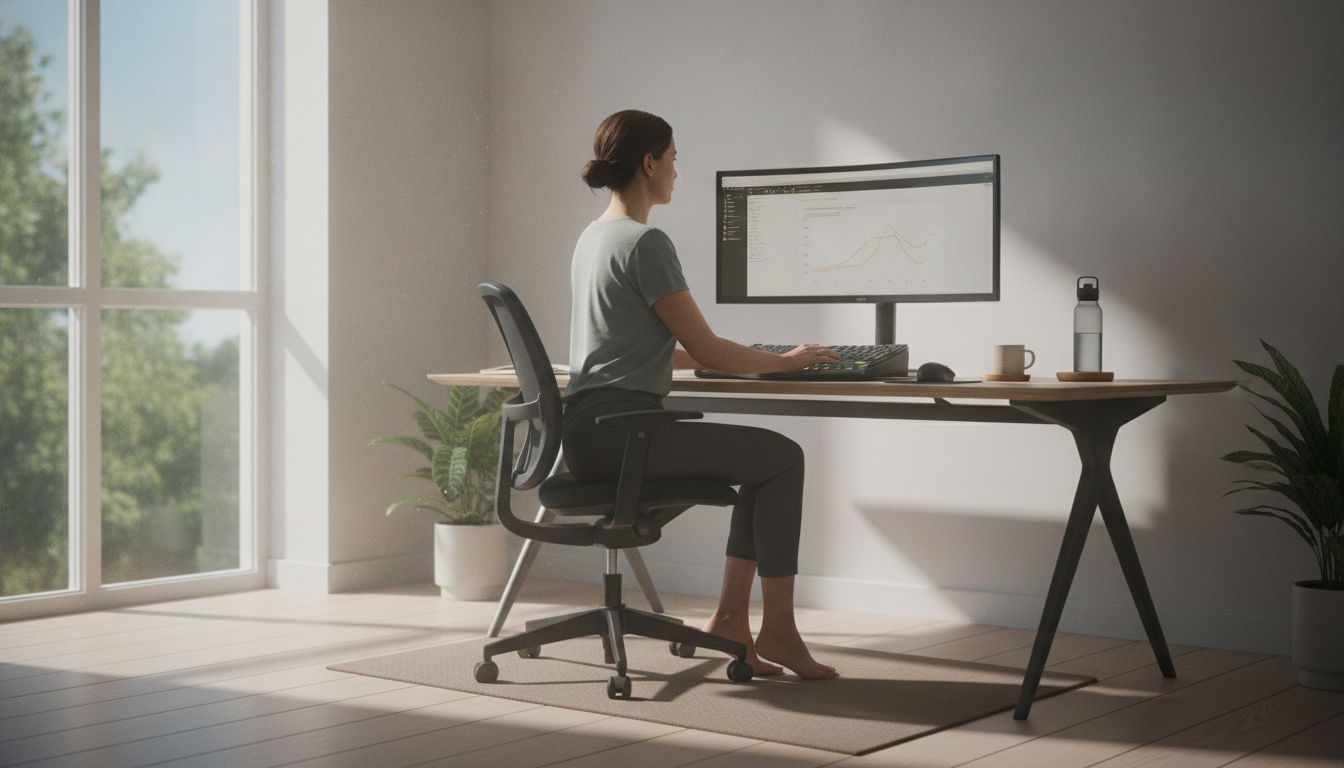
- Position the monitor at eye level or slightly below — the top of the screen is usually a good reference. This helps reduce neck tension.
- Keep the monitor about an arm’s length from your eyes. If you need to squint to see, adjust the font size, not the distance.
- Organize frequently used items — keyboard, mouse, phone — within the natural reach area of your arms, without needing to stretch repeatedly.
Laptop and Remote Work
The laptop is one of the biggest ergonomic challenges of remote work. When the screen is at the right height, the keyboard is too high for the arms; when the keyboard is comfortable, the screen is too low for the neck. A simple solution:
- Use a stand to raise the laptop to eye level
- Connect an external keyboard and mouse to use at the proper height
- If you don’t have a stand, firm books or boxes can work as a temporary alternative
The Rule of Breaks: Movement is Your Ally
One of the most consistent recommendations in occupational health literature is the importance of interrupting sedentary behavior with regular movements. There’s no single validated protocol for everyone, but a common practice well-received by specialists is the so-called “active break”: standing up briefly every 30 to 60 minutes of continuous work.
These breaks don’t need to be long. Just a few minutes of movement can contribute to:
- Reducing accumulated muscle fatigue
- Stimulating circulation
- Relieving neck and lower back tension
- Contributing to focus and productivity
You can use these breaks to get water, do light stretches, walk to another part of the room, or simply stand for a few minutes. The important thing is to get out of static position.
For those who want to go further, home exercises without equipment can be a good way to complement movement throughout the day and strengthen supporting muscles.
Visual Health: The Monitor Also Affects Your Body
Eye fatigue related to screen use — sometimes called “computer vision syndrome” — is a phenomenon recognized by ophthalmologists and manifests with symptoms such as dry eyes, burning, difficulty focusing, and headache. Some strategies that tend to help:
- The 20-20-20 rule: every 20 minutes of screen time, look at something about 20 feet away for 20 seconds. This simple exercise can help relax the eye muscles.
- Adjust the brightness and contrast of your monitor according to your environment’s lighting — neither too bright nor too dim.
- Reduce glare: position the monitor so that windows or lamps don’t create direct reflection on the screen.
- Blink consciously: in front of screens, we tend to blink less, which contributes to eye dryness.
Posture and Mental Health: A Bidirectional Relationship
It may come as a surprise, but there is a relationship between posture, body, and emotional states that science has been investigating with growing interest. Research in embodied cognition suggests that posture can influence aspects of mood and disposition — although this field is still developing and doesn’t allow for definitive conclusions.
What we know with more certainty is that chronic pain and persistent physical discomfort have a real impact on emotional well-being. Those who feel constant pain may have sleep disrupted, concentration affected, and reduced motivation. Caring for your body at work, therefore, is inseparable from caring for your mental health — they are dimensions that influence each other mutually.
If you notice that physical discomfort is affecting your mood, sleep, or quality of life, that deserves attention — both physical and emotional. And a healthy morning routine can be a gentle starting point to reorganize your day’s rhythm.
When to Seek Professional Help
Ergonomic adjustments and active breaks are supportive and preventive measures — and they have real value. But they do not replace professional evaluation when your body is calling for help. Consider seeking a doctor, physiotherapist, or other qualified health professional if you notice:
- Persistent pain that doesn’t improve with rest or postural changes
- Tingling, numbness, or weakness in arms, hands, legs, or feet
- Radiating pain — for example, that starts in the lower back and goes down the leg, or that goes from the neck to the arm
- Limited movement that affects your daily activities
- Symptoms that worsen progressively over days or weeks
- Sleep impact: difficulty sleeping or waking up because of pain
A physiotherapist specialized in occupational health can evaluate your posture and environment in an individualized way. An occupational medicine doctor or orthopedist can investigate specific causes of pain. Each case is unique — and each person deserves an evaluation that considers their particular history.
Conclusion
Caring for your work posture is not a matter of aesthetics or rigid discipline. It’s a gesture of attention and respect for your own body — the same body that carries you through hours of meetings, deliveries, and responsibilities every day.
Small changes, made consistently, can contribute to more comfort, fewer aches, and more energy over time. Start with what’s within your reach today: adjust your monitor height, set a reminder to stand up, support your lower back. Every step counts.
And remember: this article offers general educational information. It does not replace the evaluation of a health professional. If you feel persistent pain or discomfort, seek a doctor, physiotherapist, or other qualified professional to care for your case with the attention it deserves.
This content is informational and does not replace the evaluation of a health professional. Always consult a doctor or qualified specialist for guidance on your individual health.